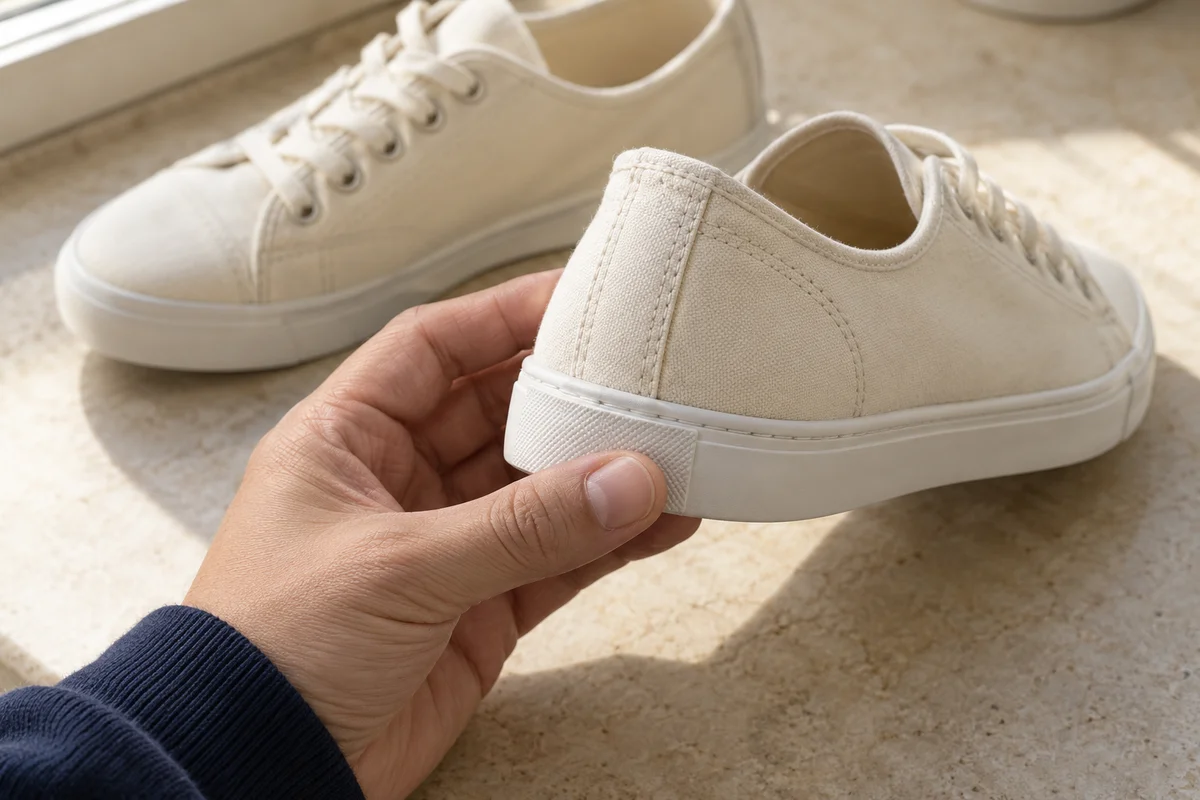
How to check QC photos
Match colour, size label, quantity and included accessories against your order. Look at visible stitching, closures, soles or surface marks relevant to the item. Enlarge the photograph before judging a small feature.
 Best Finds
Best Hoobuy Finds
Keep the order and the warehouse photos open together. Review the details that matter before shipping.
Match colour, size label, quantity and included accessories against your order. Look at visible stitching, closures, soles or surface marks relevant to the item. Enlarge the photograph before judging a small feature.
Ask “Please photograph both size labels” or “Please show the bag clasp closed” rather than asking for better QC in general. For a measurement, specify the start and end points and ask for the tape to be visible.
If the item is wrong, contact order support about correction or return before authorising international dispatch. Keep the image and your selected variant together.
QC means quality check. GL is community shorthand for accepting what is visible; RL means rejecting it or raising a concern. Neither term authenticates the item, establishes durability or replaces a missing measurement.
Read the seller’s return terms before purchase. Keep your original selection and ask about any essential feature the listing leaves unclear. After QC, choose packing deliberately: removing a box may reduce volume, but it may also remove protection or something you wanted to keep.
QC is the warehouse check of the item that actually arrived. The photos let you compare the selected option, visible condition and included parts with your order while a correction or return may still be possible.
A photograph cannot establish long-term performance or how a material feels. Check what is included with the current service and what an extra photograph or measurement costs. Ask for the missing evidence before deciding to forward the item.